

Portal Guide
Create a Quick Payment
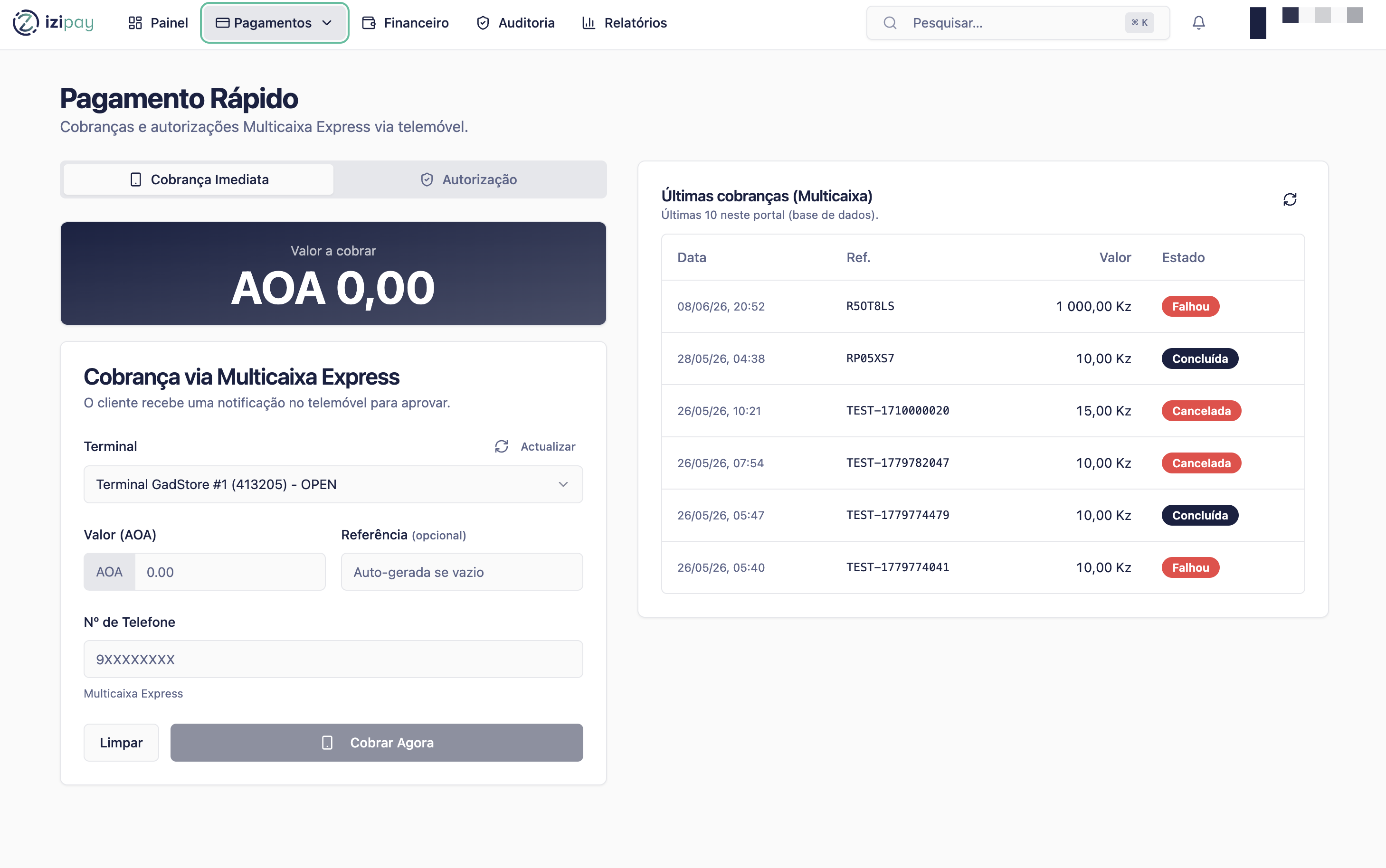
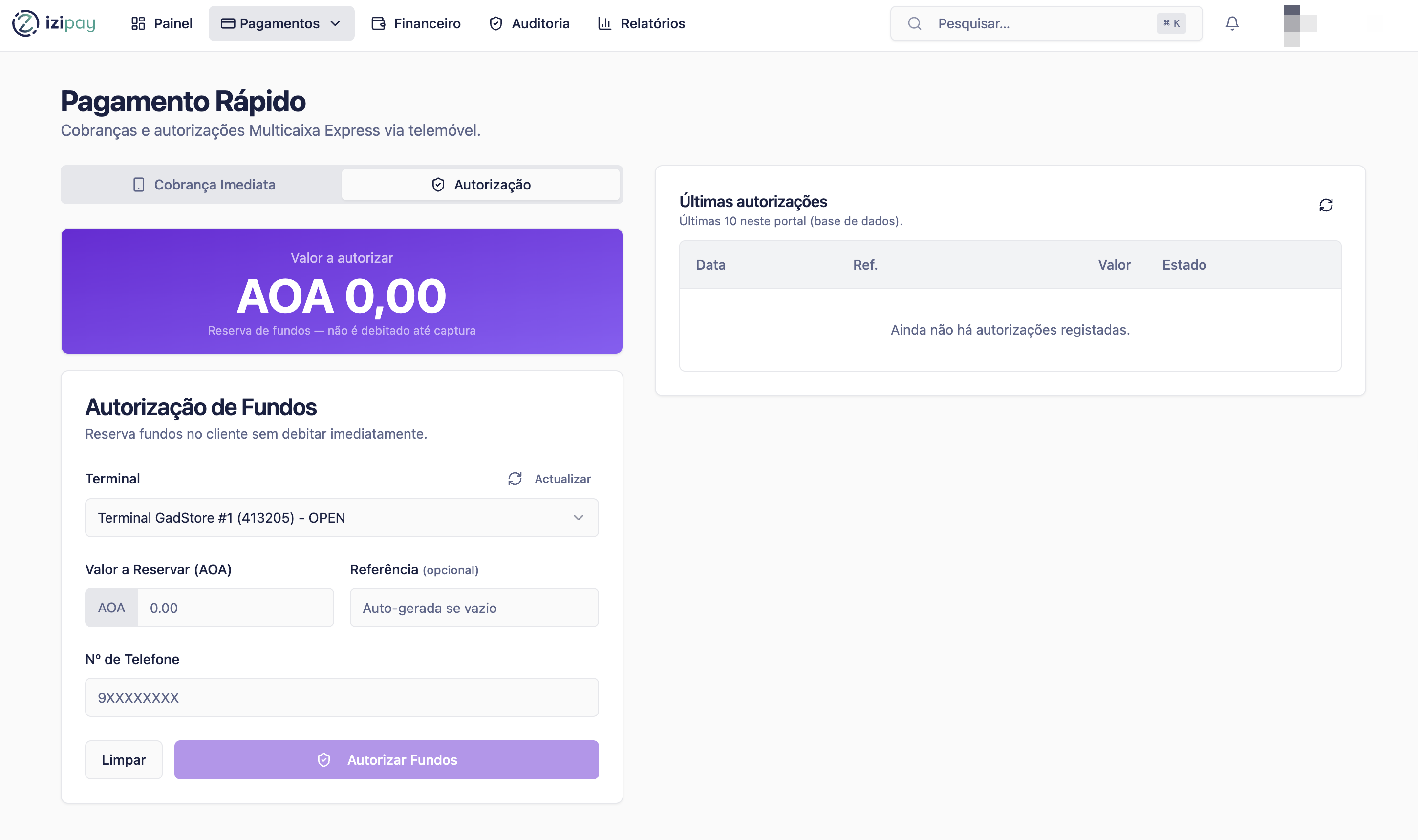
Use Pagamento Rápido when you want to send a direct payment request to a customer's mobile phone while they are present or reachable.
Before you start
- Confirm the customer phone number.
- Confirm the amount and currency.
- Make sure the customer can approve the request on their phone.
- If a terminal must be selected, choose an active terminal.
Fields you may see
Phone number
The customer's local mobile number. Enter the number exactly as requested by the portal.
Provider
The mobile provider. The portal may detect it automatically from the phone number prefix.
Amount
The amount the customer must pay. Confirm it before sending the request.
Reference
A short identifier used to recognize this payment later.
Terminal
The terminal or merchant point of sale used for this payment, when required.
Step by step
- Open Pagamento Rápido from the payments menu.
- Enter the customer's phone number.
- Confirm or select the provider if the portal asks for it.
- Enter the amount.
- Add or confirm the reference.
- Submit the payment request.
- Ask the customer to approve the request on their phone.
- Wait for the portal status to change from pending to paid or authorized.
Quick payment checklist
0 of 5 complete
0%
What the customer sees
The customer receives a payment approval request on their mobile channel. They should check the amount and approve it before the request expires.
Sample message to send the customer
Hello. Please approve the IZI Pay payment request on your phone.
Amount: [amount] AOA
Reference: [reference]
The payment is only complete after approval.
How to confirm success
Success signs
- The portal shows paid, completed, or authorized.
- A payment identifier or reference is visible.
- The transaction appears in Histórico de Pagamentos.
Common fixes
- If the request expires, create a new payment request.
- If the customer does not receive the prompt, confirm the phone number and provider.
- If the status is pending, wait or refresh before delivering goods or services.
Last modified on