

Portal Guide
Finance Basics
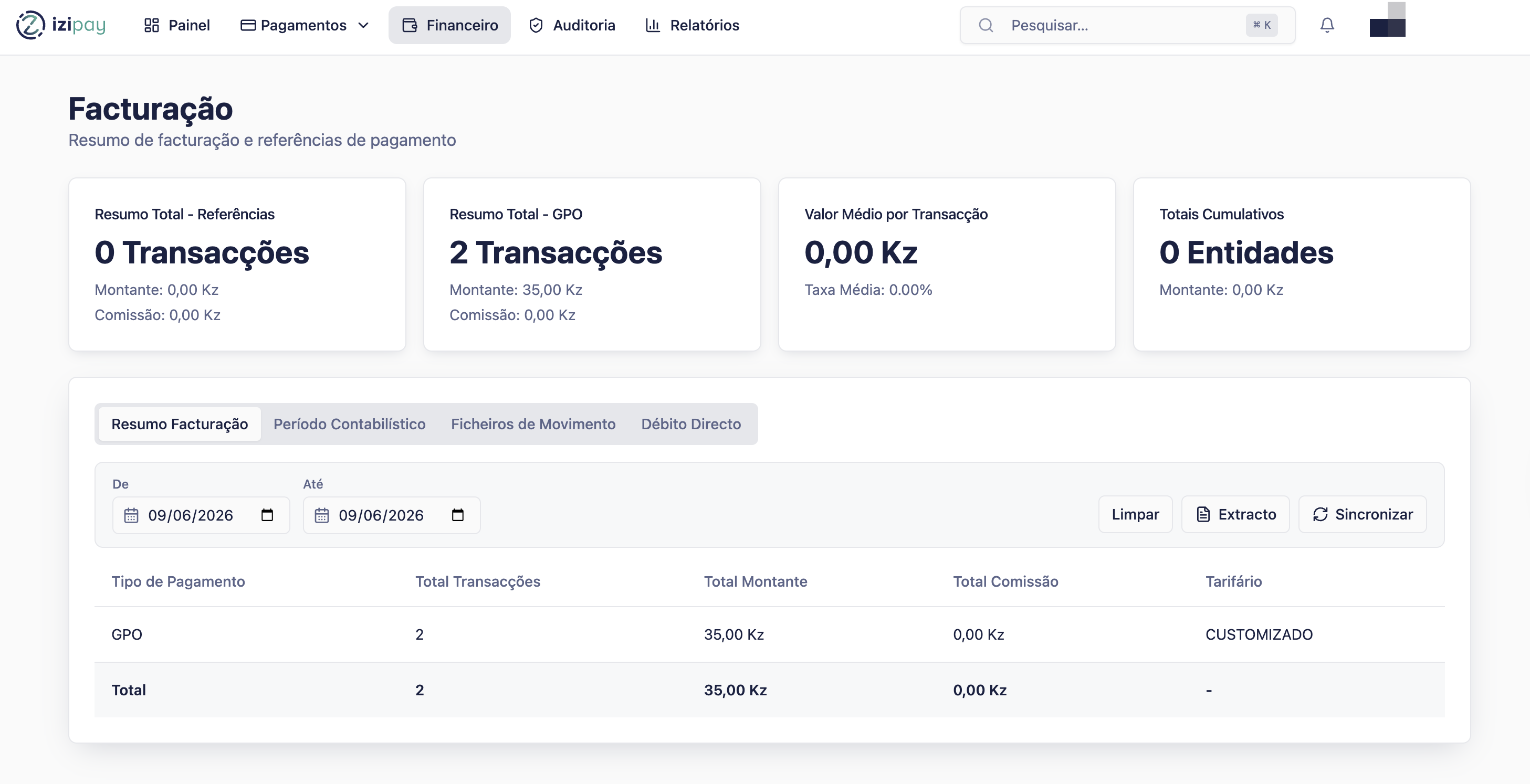
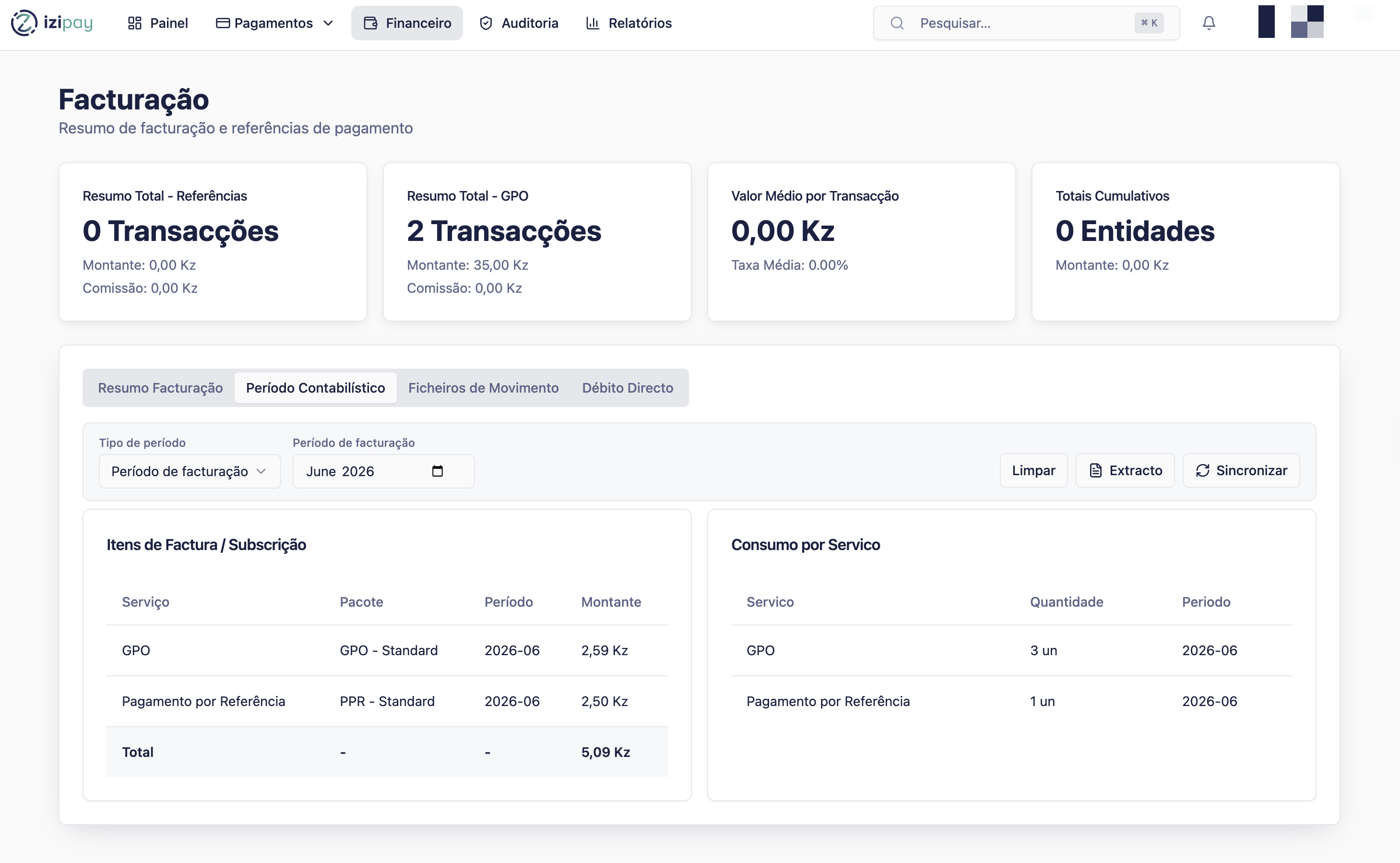
Use Financeiro to understand financial activity connected to merchant payments, settlement, and reconciliation.
Before you start
- Know the period you want to review.
- Compare portal totals with your internal sales records.
- Use payment history when you need transaction-level detail.
Finance terms
Gross amount
The total payment amount before any fees or adjustments.
Net amount
The amount after fees, refunds, or adjustments, when shown.
Settlement
The movement of funds to the merchant according to the agreed settlement process.
Reconciliation
Matching portal records with your own business records.
Step by step
- Open Financeiro.
- Select the period you want to review.
- Compare totals with Histórico de Pagamentos.
- Check any refunds or adjustments separately.
- Export records if your finance team needs them.
- Contact Helpdesk if a settlement or total does not match expectations.
Finance review checklist
0 of 4 complete
0%
How to confirm success
Success signs
- The period totals match your expected records.
- Refunds and adjustments have been reviewed.
- Any exported file is saved with the date range in its name.
Common fixes
- If totals do not match, check filters and date ranges first.
- If a payment is missing, search by reference in Histórico de Pagamentos.
- If settlement timing is unclear, contact Helpdesk with the period and amount.
Last modified on